108% faster than IrfanView
- towavue
- 100
- IrfanView
- 208.4
Images, videos, and audio in one beautifully minimal workspace built in Rust, this is the last media viewer you’ll ever need.


Built for maximum viewing speed. GPU rendering powers the interface and media display. Supported hardware-decoded video stays on the GPU through presentation, avoiding frame copies back to the CPU.
Completion-time index · towavue = 100 · Lower is better • Windows 11 • October 9, 2026
Each pair compares towavue with the named app across shared workloads: 3 image operations for IrfanView; 8 video and audio operations for MPC-HC and VLC. The index is the equal-weight geometric mean of per-operation time ratios, using fixture-median benchmark scores. Faster percentages = (competitor index / 100 − 1) × 100. Development builds; results vary by file and PC.
See full benchmark ↗Transition between images, video, and audio inside a single cohesive window.
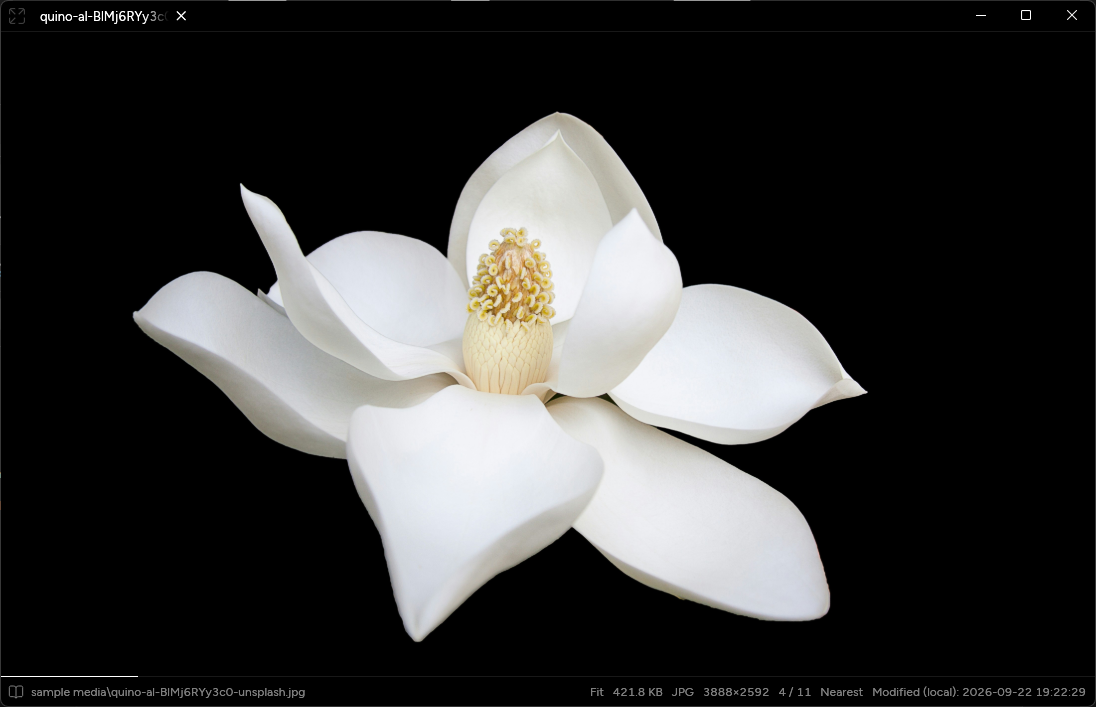
Look closer. Zoom, rotate and browse stills or animations without breaking your flow.
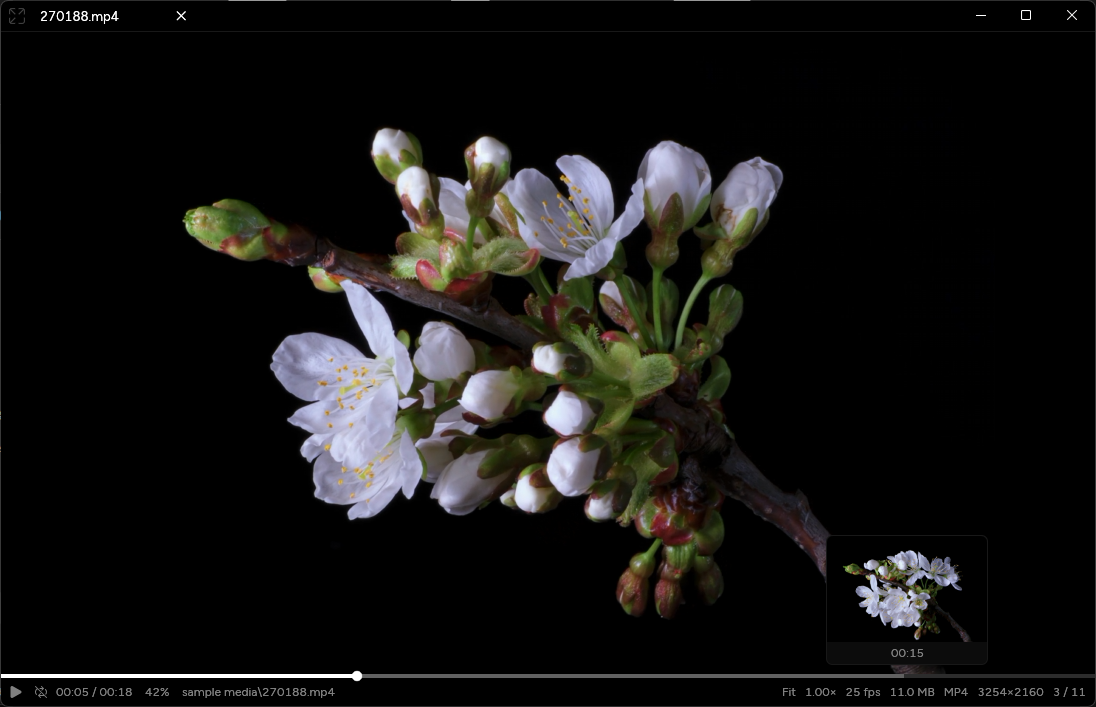
Scrub to the moment you need, step through frames, and pick up playback where you left off.
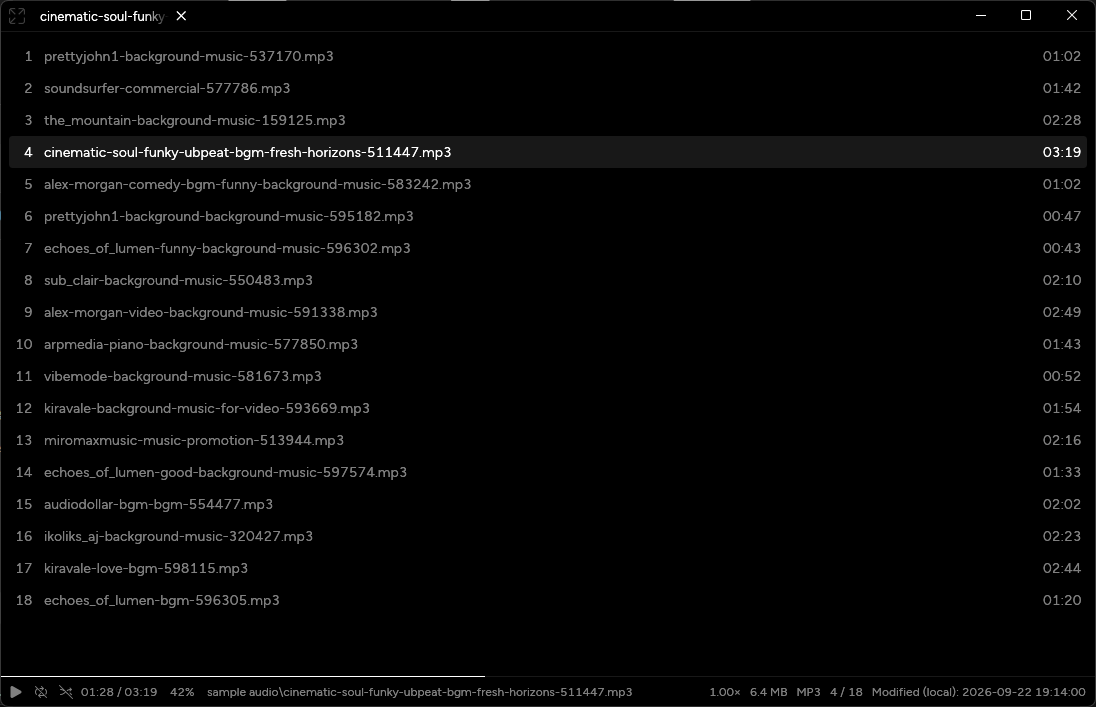
Open a track and the audio files in its folder become your playlist.
That crop, that short clip, that one frame worth keeping. Make the change where you already are, with no detour into another app.
Click or drag to seek. Drag either dotted edge to resize the selection. Right-drag inside the selection to move it, or drag it with touch. Focus a control and use the arrow keys to adjust it; Shift makes larger steps. Home and End move to the limits.

Crop, rotate and resize images. Trim video and audio, adjust speed and gain, or save a frame.
Work non-destructively, with undo available even after saving.
With customizable shortcuts or the Command Palette, your work gets done without even reaching for the mouse.
Follow Explorer’s folder order, scan the thumbnail filmstrip or return to a recent file from the gallery.
Move tabs between windows with edits and playback position intact.
Choose a reading layout and direction, connect images into pages and go fullscreen.
Move up, down, or to folders at the same level freely with the breadcrumbs or shortcuts.